01
A simple heartbeat.
Send a GET or POST request to your heartbeat URL when a scheduled task runs.
Know when scheduled jobs stop checking in. Keep backups, imports and background tasks on your radar.
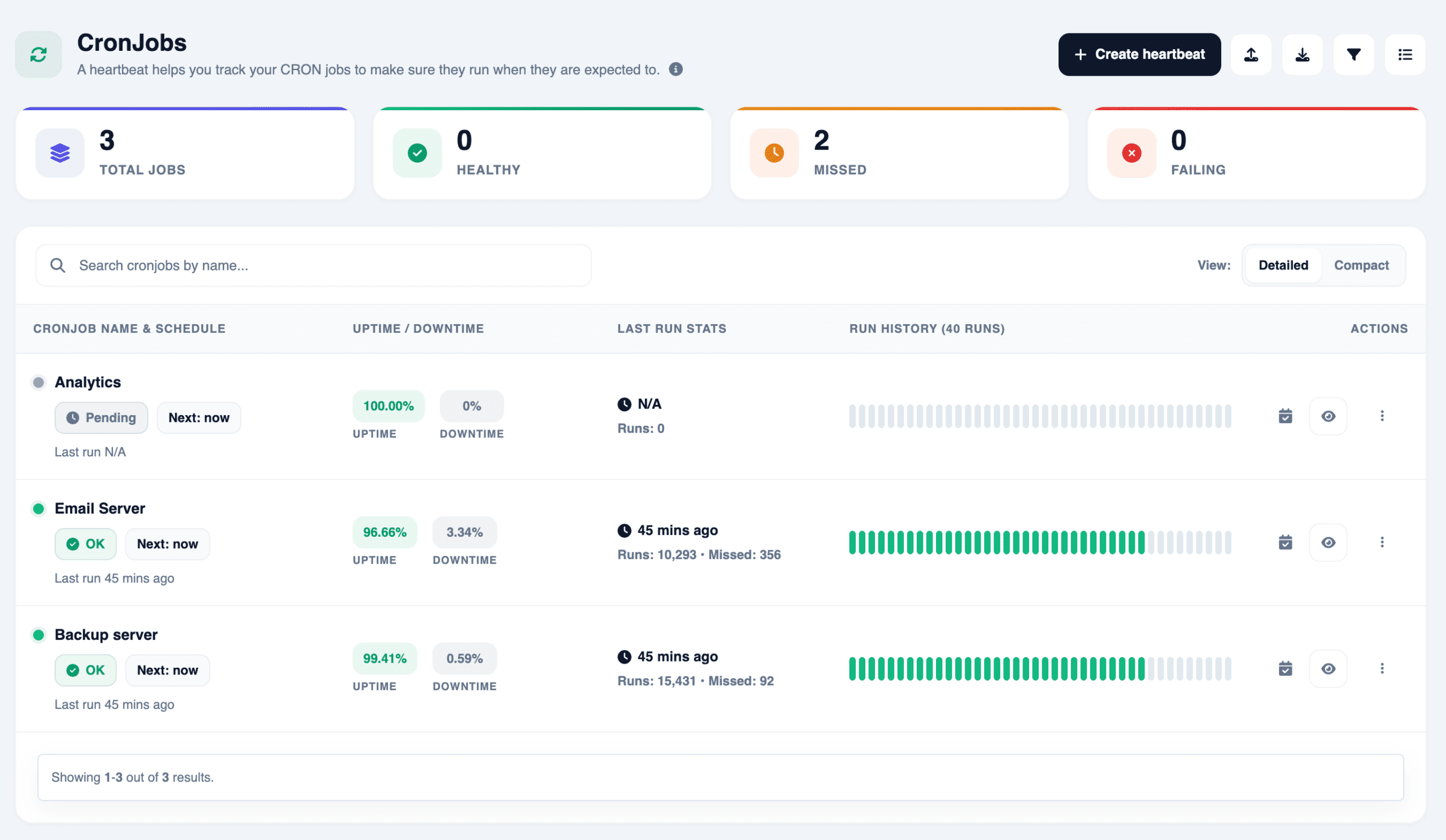
Send a GET or POST request to your heartbeat URL when a scheduled task runs.
Configure the expected frequency and allow a grace period for jobs that need extra time.
Receive an alert through your configured channels when the expected heartbeat does not arrive. A heartbeat confirms a check-in; validate job outcomes in your own workflow.
Your scheduler or task must be able to send an HTTP request to its heartbeat URL. Choose the point in execution that represents a meaningful completed check-in.
Name the job and configure its expected schedule and grace period.
Send a GET or POST check-in from the job at the point you want to confirm.
Route notifications to the job owner and investigate missing signals using your task logs.
Send the GET or POST check-in at the point that represents the work you want to confirm. For a completion check, send it after the required stages have succeeded.
It gives a scheduled task an allowed window beyond its expected check-in time. Set the schedule and grace period around the normal operating behavior of the job.
It confirms that the check-in arrived. Validate the actual backup, import or other job outcome in your workflow, and send success signals only after those checks have passed.
Review plan information and your account for the current allowances, intervals and notification options available to you.
Monitoring, visitor analytics and domain health in one workspace. Start free on Explorer.
Get started free ↗